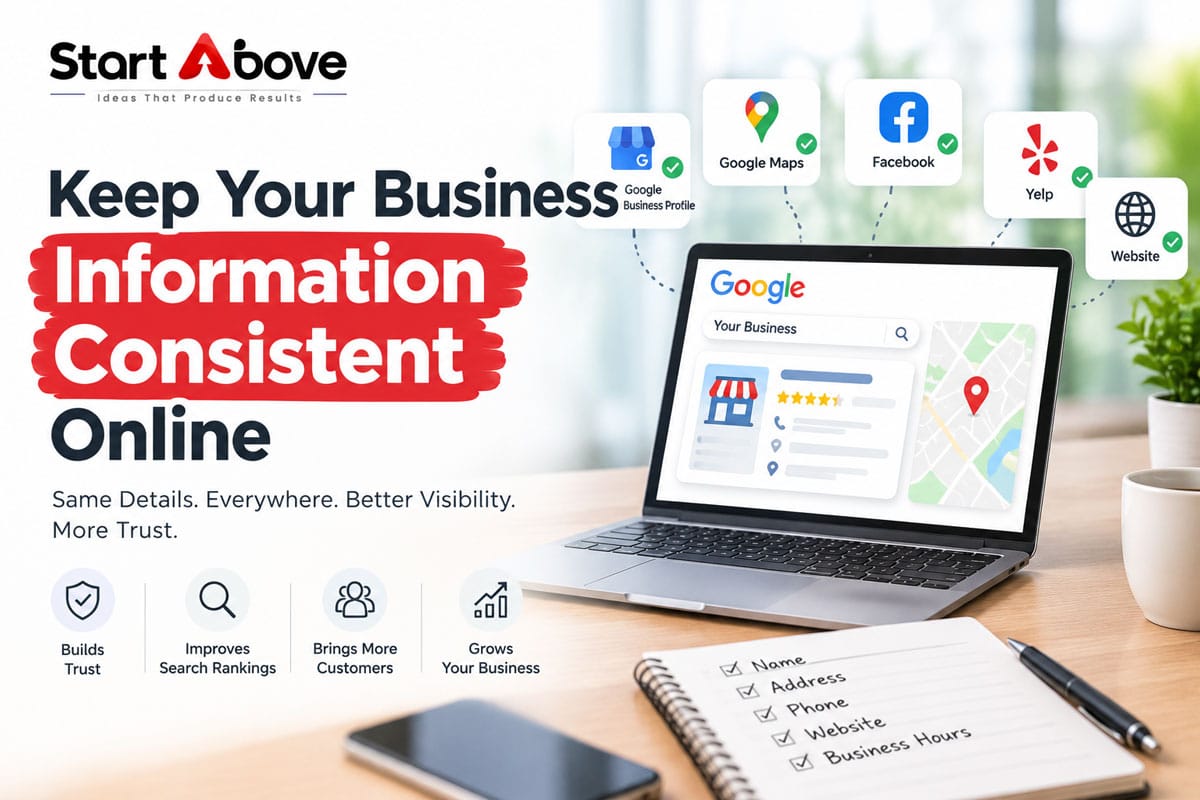

Business information consistency means keeping your essential details accurate and aligned wherever customers find you. Your website, Google Business Profile, social media pages and directory listings should clearly identify the same business, with the correct contact details and location information.
If your website shows one phone number while an old listing displays another, potential customers may struggle to reach you. Conflicting addresses, opening hours or branch details can also create confusion before an enquiry becomes a sale.
The solution is a reliable master record, a focused audit and a repeatable update process.
What Is Business Information Consistency?
Business information consistency covers more than your business name, address and phone number, commonly called NAP.
It also includes:
- Website address and enquiry email.
- Regular opening hours and holiday availability.
- Services, products and business descriptions.
- Branch-specific details.
- Booking, enquiry and WhatsApp links.
- Branding that helps customers recognise your business.
Consistency does not require identical wording everywhere. A short Instagram bio and a detailed website introduction can describe the same business accurately.
The important question is: Do these profiles give customers compatible, current information?
Why Consistent Business Information Matters
It Helps Customers Contact the Right Business
A wrong phone number or outdated enquiry link can interrupt an otherwise successful customer journey.
Imagine someone discovers your business through a directory, visits your website and then checks Google Maps. Different addresses across those sources leave them unsure where to go.
Accurate information makes the next step clearer.
It Supports a Reliable Online Identity
Google asks businesses to use their real-world names and accurate location details. Unnecessary keywords or promotional claims should not be added to a Business Profile name.
Keeping these details aligned helps prevent contradictory representations of your business.
It Makes Marketing Easier to Manage
A central record reduces repeated questions between your team, agency, website developer and branch managers.
It also makes changes easier to coordinate when you move premises, replace a number or introduce a new service.
Business information consistency is useful groundwork, but it does not guarantee rankings, enquiries or inclusion in AI-generated answers.
Step 1: Create a Master Business Information Record
Before editing profiles, decide which details are correct.
Use a shared spreadsheet or document with these fields:
| Field | What to record |
| Business name | Approved customer-facing name |
| Legal name | Separate legal entity name, where relevant |
| Address | Complete location details and PIN code |
| Primary phone | Main customer contact number |
| Additional contacts | Clearly labelled sales, support or branch numbers |
| Website | Preferred live website address |
| Monitored enquiry email | |
| Hours | Actual customer-facing availability |
| Services | Current offerings |
| Profile links | Website, maps, directories and social accounts |
| Responsibility | Person who approves and updates each field |
Add a last reviewed date.
For multiple branches, create a separate record for each location. Keep shared brand information together, but preserve legitimate differences such as local numbers and opening hours.
Distinguish the Brand Name from the Legal Name
A business may trade under a brand name that differs from its registered entity.
Record both and explain their relationship where appropriate. Do not force a legal suffix into every profile unless it forms part of the recognised business name and meets the platform’s requirements.
Step 2: Audit Your Website First
Your website is a practical starting point because you control its content.
Check more than the contact page. Old details often remain in reusable sections or downloadable files.
Review These Website Locations
- Header and footer.
- Contact and About pages.
- Branch and service pages.
- Mobile navigation.
- Click-to-call and WhatsApp buttons.
- Enquiry and booking forms.
- Maps and directions links.
- PDFs, brochures and downloadable catalogues.
- Privacy notices and other pages displaying company details.
Test the links yourself. A button can display the correct number while linking to an old one.
Check Structured Data
Structured data provides machine-readable information about your business. When used, details such as the address, telephone number and opening hours should remain accurate and agree with the relevant page.
Google’s LocalBusiness documentation explains how this markup can describe business details. It does not guarantee a particular search appearance.
Ask your developer to inspect existing markup after a move, rebrand or contact change.
Step 3: Review Your Google Business Profile
Compare the profile against the approved master record.
Check the business name, phone, website, location, hours and services. Confirm that the map pin leads customers to the correct entrance or premises.
Google requires accurate addresses or service areas and appropriate customer-facing hours. Service-area businesses that do not receive customers at their operating address should hide that address on their profile.
Separate Useful Details from Keyword Stuffing
Do not rename a business simply to include phrases such as “best agency,” “cheap services” or additional city keywords.
Use relevant service descriptions in the appropriate fields. The business name should identify the business.
Account for Real Branch Differences
Consistency does not mean assigning every branch the head-office phone number.
A branch page and its corresponding profile should make it clear which location the customer is contacting.
Step 4: Check Social Profiles and Important Directories
Start with platforms that customers actually use or that already send enquiries.
Depending on your business, these may include:
- Instagram, Facebook and LinkedIn.
- YouTube.
- WhatsApp Business.
- Apple Maps and Bing Places.
- Justdial, IndiaMART or relevant industry directories.
- Association and partner websites.
Do not spend equal time on every obscure listing. Prioritise wrong phone numbers, incorrect locations and profiles that appear prominently for your business name.
Search for Old Details
Search your business name alongside previous phone numbers, addresses and brand names.
Also search for individual branches. Record each conflicting listing and whether you can edit it directly or need to request a correction.
Review More Than Profile Fields
Outdated information may appear in pinned posts, cover images, video descriptions or saved highlights.
For older posts you cannot reasonably update, consider adding a clear current contact post and removing outdated material from prominent positions.
Step 5: Handle Formatting and Tracking Sensibly
Small Formatting Differences Are Not the Main Problem
“Road” versus “Rd,” spaces in a phone number or different capitalisation do not necessarily describe different businesses.
Use a standard format for easier maintenance, but fix substantive errors first: wrong premises, disconnected numbers or incorrect hours.
Tracking Links Can Still Be Consistent
A website link with campaign-tracking parameters can lead to the same correct page. Different tracking parameters do not automatically create conflicting business information.
Keep a record of their purpose and test the destination.
If using call-tracking numbers, document how calls route, who controls the numbers and which platform rules apply. Avoid replacing contact details casually across profiles.
Step 6: Create a Process for Business Changes
A one-time cleanup will not prevent future inconsistencies.
Assign one person to approve changes and identify who updates each platform.
Use a Change Checklist
Whenever a phone number, address, service or opening schedule changes:
- Update the master record.
- List the affected pages and profiles.
- Make the required edits.
- Check the public version.
- Test calls, enquiry links and directions.
- Record anything awaiting approval or support.
A practical review rhythm is quarterly, with immediate checks after important business changes. This is a maintenance recommendation, not a Google requirement.
Common Mistakes to Avoid
- Updating Google while leaving the website footer unchanged.
- Mixing head-office details with branch-specific information.
- Keeping old numbers in downloadable brochures.
- Copying descriptions that advertise discontinued services.
- Treating punctuation differences as more urgent than incorrect contact details.
- Publishing a private address solely to make every listing identical.
- Assuming an edit is live without checking the public profile.
The goal is accurate customer information, supported by clear ownership and regular review.
Frequently Asked Questions
Does every business description need to be identical?
No. Adapt the length and wording to each platform. Keep the underlying facts—what you do, who you serve and how to contact you—aligned.
What is NAP consistency?
NAP consistency means maintaining accurate business name, address and phone details across relevant online sources. It is one part of broader business information consistency.
Should every branch use the same phone number?
Not necessarily. Branches can have their own customer contacts. Ensure each number is clearly associated with the correct location.
What should I do when my business moves?
Create an update list covering your website, profiles, maps, directories, brochures and enquiry links. Check that the public information and directions reflect the new premises.
Can inconsistent information affect AI search answers?
Conflicting public details create uncertainty for anyone trying to identify your business. Correcting them improves the reliability of your information, but does not guarantee how an AI system will describe or cite it.
How can I find outdated business listings?
Search your business name, old address and previous phone numbers. Review the results and prioritise listings that customers are likely to encounter.
Can an agency manage this process?
Yes. An agency can audit profiles, maintain an approved record and coordinate updates. The business owner should confirm the correct details and retain appropriate account ownership.
Keep Your Business Information Accurate with Start Above LLP
Make it easier for customers to find the right details and contact your business. Start Above LLP offers Google Business Profile optimisation, local SEO and website services in Pune.
Contact us to discuss a business information consistency audit across your website and important online profiles.
Call: +91 88882 73239 / +91 90283 17379
Email: info@startabove.in
Website:  www.startabove.in
Location: Flat No. 5, 2nd Floor, Bhagini Krupa, Survey No, 484/21, Mitra Mandal Colony, Parvati, Pune, Maharashtra 411009