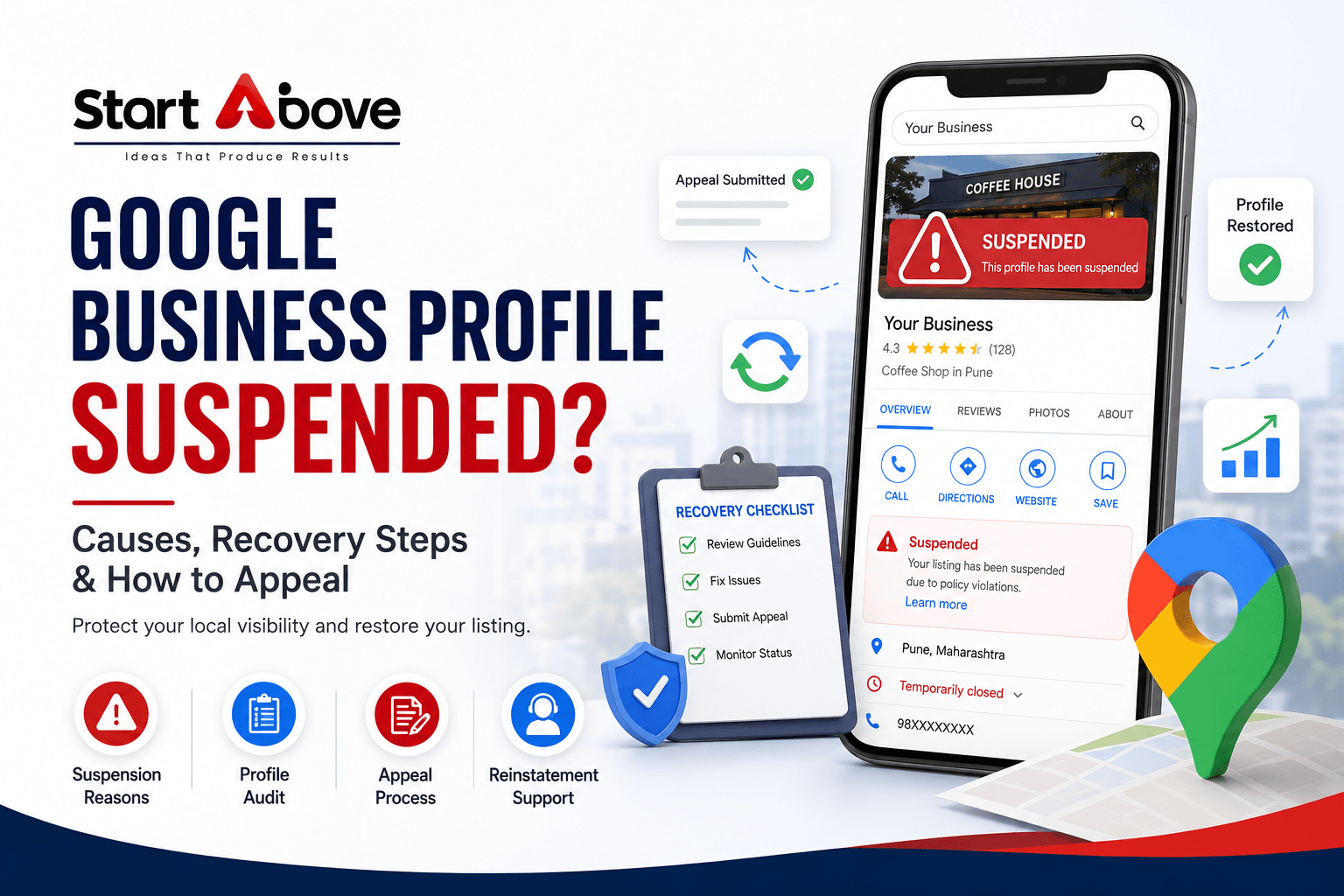

A Google Business Profile suspended notification can significantly affect a local business. Your listing may stop appearing normally on Google Search and Maps, potentially reducing calls, website visits, direction requests, bookings, and customer enquiries.
A Google Business Profile suspension usually occurs when Google identifies information or activity that may not comply with its guidelines. Common causes include an inaccurate business name, an ineligible address, duplicate profiles, misleading information, irrelevant categories, or concerns about whether the business qualifies for a listing.
If your listing has been suspended, do not immediately create another profile. First, review the restriction, correct any genuine policy issues, collect documents proving that the business is legitimate, and submit an appeal through Google’s official process.
What Does a Google Business Profile Suspension Mean?
Google may suspend or disable Business Profiles that do not follow its guidelines. Depending on the restriction, you may notice that:
- Your business no longer appears on Google Maps.
- The profile is missing from branded searches.
- You cannot update business information.
- Posts, photos, reviews, or other features are unavailable.
- You receive a suspension notification by email.
- The appeals tool shows a moderation decision.
If you believe your profile is eligible and follows the guidelines, Google allows you to submit an appeal.
Why Was My Google Business Profile Suspended?
Google may not always identify every profile element that contributed to the suspension. Review the complete listing before appealing.
1. Keywords Added to the Business Name
Your profile name should match the name customers see on your storefront, website, invoices, and business documents.
For example, if the actual name is Start Above LLP, avoid changing it to:
Start Above LLP – Best SEO and Digital Marketing Company in Pune
Adding services, locations, phone numbers, or promotional terms that are not part of the genuine business name may violate Google’s guidelines.
2. Incorrect or Ineligible Business Address
Google requires businesses to use accurate location information. Problems may arise when a profile uses:
- A virtual office without an eligible business presence.
- A location used only for receiving mail.
- An old or incomplete address.
- A P.O. box or remote mailbox.
- A residential address presented incorrectly as a customer-facing office.
- An address where customers cannot find the business.
The address should match the location where the business genuinely operates.
3. Address Displayed for a Service-Area Business
A service-area business travels to customers instead of serving them at its own location.
Examples include plumbers, cleaning companies, electricians, mobile repair services, and pest-control providers.
If customers are not received at the listed address during business hours, the address should generally be hidden and accurate service areas should be added.
4. Duplicate Google Business Profiles
Creating multiple profiles for the same business may lead to verification, ownership, and policy problems.
Duplicates often appear when:
- Different employees create separate listings.
- A company forgets about an older listing.
- An agency creates a new profile instead of requesting access.
- A new profile is created after the original is suspended.
- Separate profiles are created for individual services at one location.
Normally, a business should maintain one eligible profile per real-world location.
5. Incorrect Business Categories
Your primary category should describe what your business actually is.
Do not add unrelated categories simply because they contain popular keywords. Irrelevant categories can make the listing inconsistent with your website, signage, services, and business documents.
6. The Business Is Not Eligible
A business generally needs to make in-person contact with customers during its stated hours to qualify for a Google Business Profile.
An online-only store without in-person customer interaction may not be eligible. Fake businesses, lead-generation listings, mail-only locations, and businesses without genuine operations can also face removal.
7. Major Profile Changes
Changing several important details together may trigger additional review or re-verification.
Examples include:
- Business name.
- Address.
- Primary category.
- Phone number.
- Website.
- Ownership or manager access.
A legitimate change is not automatically a violation. However, the updated information should be accurate and supported by the website, signage, and official documents.
8. Misleading Information or Policy-Violating Content
Suspension risks may increase when a profile contains:
- A false address or phone number.
- Services the business does not provide.
- Misleading claims.
- Incorrect opening hours.
- Prohibited products or services.
- Harmful or irrelevant links.
- Inappropriate photos, posts, or descriptions.
Every detail should accurately represent the real business.
What to Do After a Google Business Profile Suspension
Before beginning the Google Business Profile recovery process:
- Do not create a duplicate listing.
- Do not submit repeated appeals.
- Do not make random profile changes.
- Do not upload altered or irrelevant documents.
- Do not remove information without understanding the policy issue.
Record your Business Profile ID, business name, address, categories, website, phone number, suspension date, recent edits, and any existing appeal number.
How to Recover a Suspended Google Business Profile
Step 1: Review the Restriction
Check the email sent to the Google Account connected to the profile. Open Google’s Business Profile appeals tool and review:
- The affected profile.
- The moderation decision.
- The stated policy.
- Whether the decision is eligible for appeal.
Read the linked policy before changing the profile.
Step 2: Confirm Business Eligibility
Check whether:
- The business genuinely operates.
- Customers are served in person.
- The address or service area is accurate.
- The location follows Google’s guidelines.
- The listing represents a real business.
- No duplicate profile exists.
If the business operates online only and has no in-person customer contact, it may not qualify.
Step 3: Audit the Complete Profile
Review the following:
Business Name
Use only the established real-world business name. Remove additional keywords, cities, offers, and promotional claims.
Address and Service Area
Confirm that the address is complete and eligible. If customers are not served there, hide the address and add accurate service areas.
Business Category
Choose the category that best describes the main business activity. Remove unrelated categories.
Phone Number and Website
Use an official business phone number and website. The website should display matching company, service, and contact information.
Business Hours
List the hours during which customers can genuinely receive service.
Step 4: Prepare Supporting Evidence
Useful evidence may include:
- Business registration certificate.
- GST or tax registration document.
- Trade or professional licence.
- Utility bill with the business name and address.
- Rental agreement or ownership document.
- Exterior photographs with permanent signage.
- Interior photographs showing business operations.
- Branded vehicles or equipment for service-area businesses.
- Website contact page with matching details.
Documents should be genuine, current, readable, and consistent with the corrected listing.
Step 5: Submit the Google Business Profile Appeal
To submit an appeal:
- Open the official Business Profile appeals tool.
- Sign in using the account associated with the listing.
- Select the suspended profile.
- Review the policy decision.
- Select the eligible decision.
- Submit the appeal.
- Choose Add evidence.
- Upload the supporting documents and explanation.
Google currently requires supporting evidence to be submitted within 60 minutes after opening the evidence form. Prepare all files before beginning.
Step 6: Write a Clear Appeal Explanation
Keep the explanation concise and factual:
“[Business Name] is a legitimate [business type] operating at [address/service area]. We reviewed the Business Profile guidelines and corrected [specific issue]. The business name, category, location, and contact details now accurately represent our operations. We have attached supporting documents and respectfully request reinstatement.”
Explain what was corrected and what the evidence proves.
Step 7: Monitor the Appeal
Google says appeal reviews can take up to five working days. Possible statuses include:
- Submitted.
- Approved.
- Not approved.
- Eligible for appeal.
- Can’t be appealed.
Do not submit multiple appeals while a decision is pending.
What If the Appeal Is Rejected?
If your appeal is not approved:
- Review the cited policy again.
- Confirm that all violations were corrected.
- Check whether the documents match the listing.
- Identify missing proof of location or operations.
- Check whether another review option is available.
- Contact official Business Profile support when appropriate.
Do not create a replacement profile. Any further request should provide new evidence or clarification rather than repeating the rejected submission.
How to Prevent Google Business Profile Suspension
Maintain Accurate Information
Keep your name, address, phone number, website, category, service area, and operating hours accurate.
Avoid Keyword Stuffing
Do not add services or locations to the profile name unless they are genuinely part of the established business name.
Prevent Duplicate Profiles
Search Google Maps before creating a listing. If one already exists, request access or resolve the ownership issue.
Control Profile Access
Give access only to trusted owners, employees, or agencies. Remove former employees and unknown users.
Make Major Changes Carefully
Before changing the name, address, category, or website, update supporting information and prepare documents in case re-verification is required.
Conduct Regular Compliance Checks
Review the profile every quarter for:
- Incorrect information.
- Unnecessary categories.
- Duplicate listings.
- Outdated hours.
- Inappropriate content.
- Unknown managers.
- Website inconsistencies.
Frequently Asked Questions
Why was my Google Business Profile suspended?
Common reasons include keyword stuffing, an inaccurate address, duplicate profiles, misleading information, irrelevant categories, policy-violating content, or business eligibility concerns.
How can I recover a suspended Google Business Profile?
Correct any policy issues, prepare documents proving the business is legitimate, and submit an appeal through Google’s official Business Profile appeals tool.
How long does reinstatement take?
Google states that appeal reviews can take up to five working days, although some cases may take longer.
What documents should I submit?
Relevant documents may include registration certificates, licences, tax records, utility bills, rental documents, signage photographs, and evidence showing genuine business operations.
Should I create a new profile after suspension?
No. A replacement listing may create duplicate-profile problems. Focus on appealing the original profile.
Can a virtual office cause suspension?
A virtual office may not meet Google’s requirements if the business does not genuinely operate there with an eligible physical presence.
Can an online-only business have a Google Business Profile?
An online-only business without in-person customer interaction is generally not eligible.
Is Google Business Profile reinstatement guaranteed?
No. Reinstatement depends on eligibility, compliance, supporting evidence, and Google’s final review.
Recover and Protect Your Local Visibility
A suspended profile can reduce calls, visits, and customer enquiries. Random edits and repeated appeals may make recovery more difficult.
Start Above LLP can help review your profile, identify potential compliance issues, organize supporting evidence, and guide you through the appropriate appeal process.
Is Your Google Business Profile Suspended?
Contact Start Above LLP for Google Business Profile recovery and optimization support.
📞 Call: +91 88882 73239 / +91 90283 17379
📩 Email: info@startabove.in
🌐 Website: www.startabove.in
📍 Location: Pune, Maharashtra
Reinstatement decisions are made solely by Google and cannot be guaranteed.